WhatsApp Business API for Real Estate: Capture Leads and Book Site Visits
A property enquiry rarely arrives politely. It comes from a social media ad at night, a portal listing during lunch, a hoarding someone photographed on the way to work. The buyer is usually talking to several developers at once, wants a brochure, a price range and a location pin, and moves on quickly if the first reply is slow or vague. Plenty of good leads go cold in the gap between the enquiry and the first useful answer.
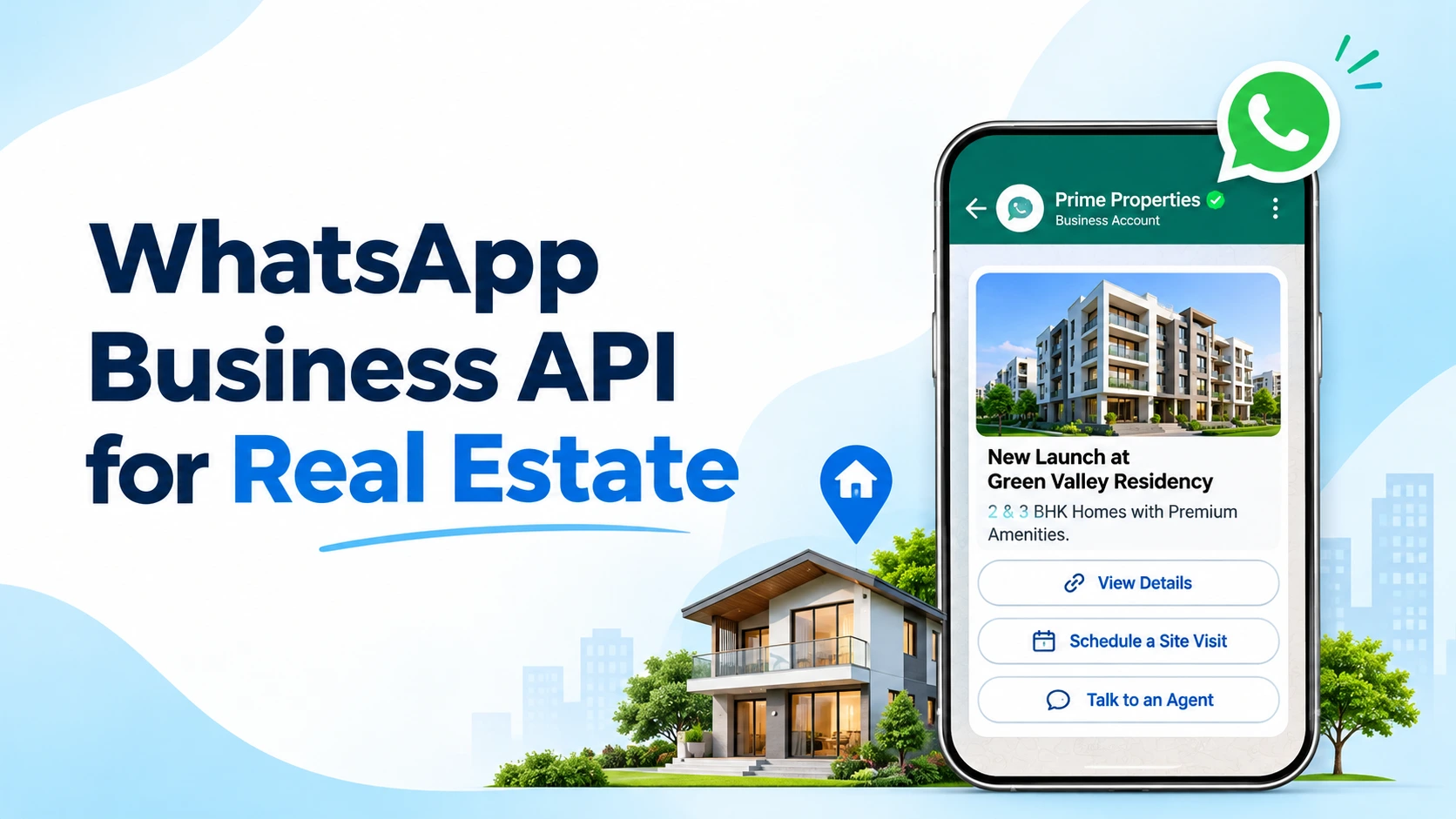
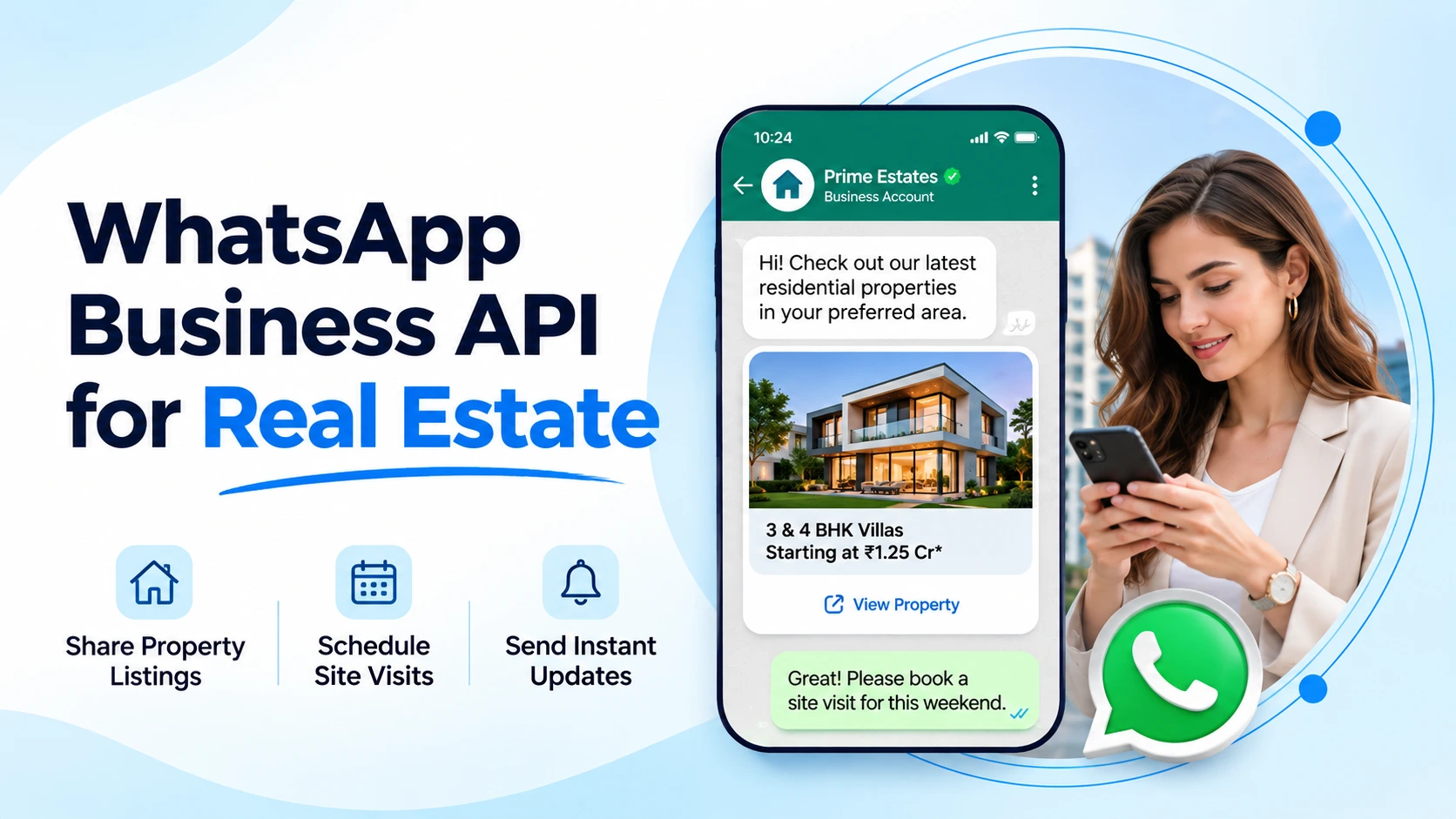
That gap is where the WhatsApp Business API earns its place in real estate. It lets a sales team answer enquiries in the app buyers already use, share brochures and floor plans in the same thread, qualify interest with a few simple questions and book site visits with a tap, with software handling the first response and people handling the conversations that matter. It also comes with consent and policy rules that real estate teams often overlook.
A2ZSMS runs WhatsApp alongside SMS, RCS and Voice from a single DLT-compliant dashboard. This guide covers how builders, developers and brokers can use WhatsApp from enquiry to possession, how to get consent right for ad and portal leads, and how to measure results without borrowed benchmarks.
Why Property Buyers Prefer a Chat to a Callback
A phone call asks a buyer to stop what they're doing and talk to a stranger. A WhatsApp message lets them read, think and reply when it suits them, which is why it tends to feel lighter for a first conversation about a purchase this big.
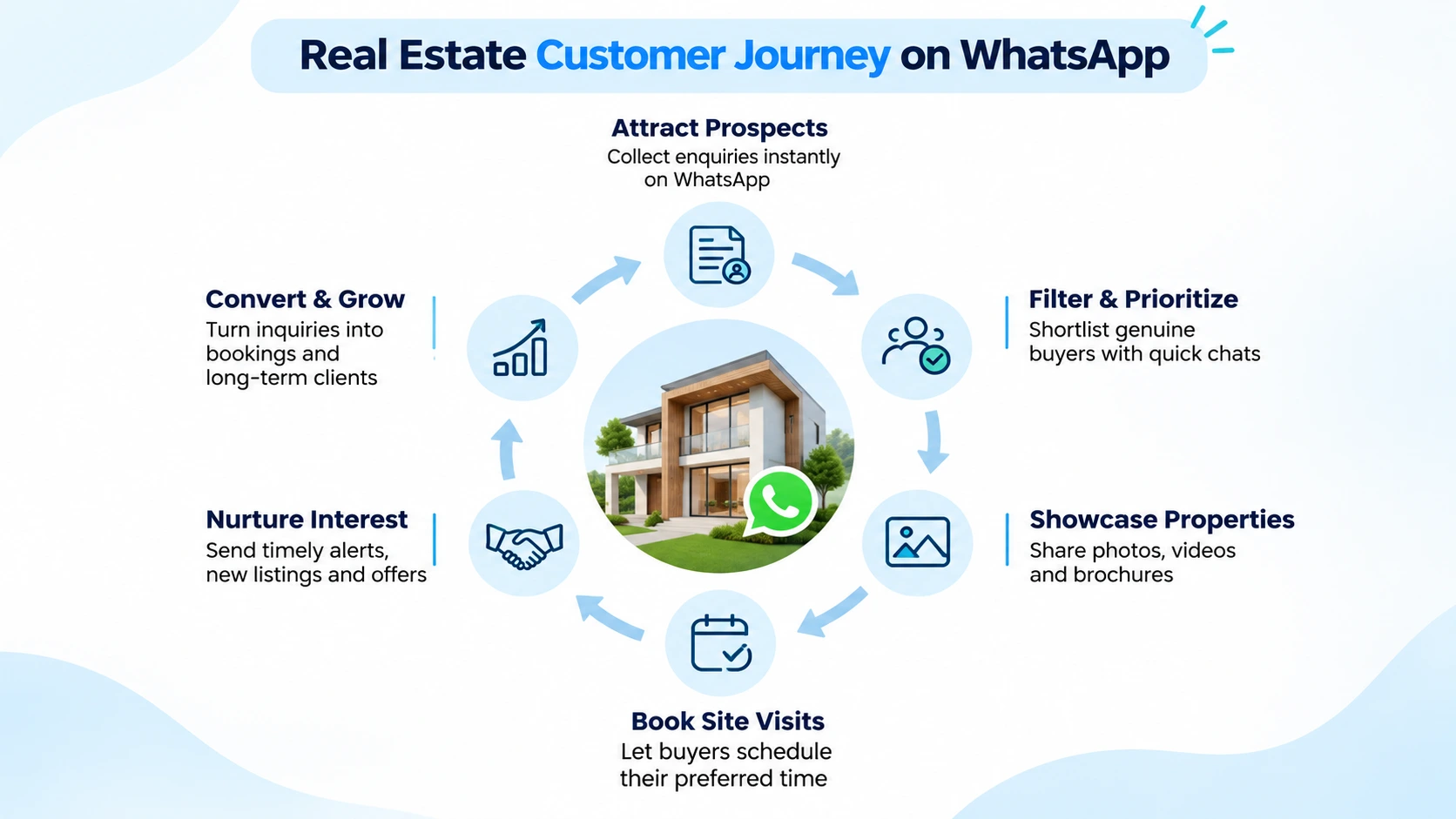
From Enquiry to Possession: The Journey WhatsApp Can Cover
Real estate sales cycles run for weeks or months, so the strongest setups cover the whole journey rather than just the first reply.
Enquiry and First Reply
- An instant acknowledgement that names the project the buyer asked about
- The brochure, location and starting price range shared on request
- A clear way to reach a sales executive if the buyer prefers a person
Qualification
- A few quick questions on budget, preferred size and timeline
- Button and list options instead of typing out answers
- Leads sorted so executives see the serious ones first
Site Visit Booking
- Available slots offered as tappable options
- A confirmation with the address and a map location
- An easy way to reschedule without calling the office
After the Visit
- A thank-you with the details discussed on site
- Answers to follow-up questions on pricing and payment plans
- A polite nudge if the buyer hasn't replied in a few days
Booking and Post-Sale
- Booking acknowledgements and document checklists
- Payment milestone reminders
- Construction progress updates with photos
Two Ways a Lead Reaches You, and Why It Matters
How a buyer first contacts you decides what you're allowed to send back. WhatsApp opens a 24-hour customer service window when a customer messages you, and inside it you can reply freely. Outside it, you need an approved template and the customer's consent.
| How the Lead Arrives | What Happens on WhatsApp | What You Need |
|---|---|---|
| Buyer messages you first (click-to-WhatsApp ad, QR code, website chat button) | The service window opens, so you can reply freely with brochures and answers | A prompt, well-built reply flow |
| Buyer fills a form (landing page, ad lead form, property portal) | No window is open, so you can start the chat only with an approved template | Clear opt-in for WhatsApp captured with the form |
| Older leads and walk-ins (existing database, site office, broker referrals) | Re-engaging them also needs a template | Recorded consent, collected at registration or earlier |
This is why a "reply in seconds to every lead" promise needs a footnote. Speed only helps if the buyer agreed to be contacted on WhatsApp in the first place.
Building the Lead Qualification Chat
A good qualification flow feels like a helpful front desk, not an interrogation. A few well-chosen questions are enough to tell your team who to call first.
Booking Site Visits Without the Phone Tag
Most of the work in a site visit happens before and after the visit itself: getting a confirmed slot, making sure the buyer can find the site and reminding them to turn up. Each of those is a short message that WhatsApp handles well.
| Message | Usual Template Category | Job It Does |
|---|---|---|
| Site visit confirmation | Utility | Confirms date, time, address and the executive's name |
| Visit reminder | Utility | Helps buyers show up, with a reschedule option |
| Payment milestone reminder | Utility | Keeps booked customers informed of upcoming dues |
| New project launch announcement | Marketing | Reaches opted-in buyers interested in a new phase or project |
| Verification code | Authentication | Verifies a buyer's details or booking login |
Meta decides the final category when it reviews a template, and a utility message that carries promotional content can be reclassified. Keep confirmations and reminders focused on the visit or the booking, and save offers for marketing templates. Our guide to WhatsApp API message templates covers how to word each type.
Sharing Brochures, Floor Plans and Walkthroughs
Property is a visual purchase, and WhatsApp can carry the material buyers want to see, as long as it's handled with some care.
Ad and Portal Leads: Getting Consent Right
Click-to-WhatsApp ads are the cleanest route, because the buyer starts the conversation. Form and portal leads need more care. It's also worth being precise about which rules apply. India's DLT framework, regulated by TRAI, governs SMS and RCS sent through telecom operators. WhatsApp isn't part of it. WhatsApp runs under Meta's business verification and Business Messaging Policy, next to India's data protection law.
If you also send SMS site-visit alerts or OTPs, that traffic follows DLT as usual and sits alongside WhatsApp on the same dashboard.
Connecting WhatsApp to Your CRM and Sales Team
WhatsApp works best when it's connected to wherever your sales team already tracks leads. Without that link, conversations pile up in an inbox while your CRM tells a different story. Our guide to integrating WhatsApp Business API with your CRM goes deeper, and these are the checks that matter most for a real estate team.
| What to Check | Why It Matters for Real Estate |
|---|---|
| Is the lead source recorded? | You can see which ad or channel produced which enquiry |
| Are leads assigned to a specific executive? | Every buyer has an owner, so nobody falls through |
| Is WhatsApp opt-in stored against each contact? | Marketing messages go only to consenting buyers |
| Can visit status update the lead stage? | Booked, visited and no-show buyers get different follow-ups |
| Can a human take over from the bot? | High-value enquiries need a person, not another automated reply |
The connection route depends on your CRM and your provider, so ask the A2ZSMS team which setup suits your stack before you design your flows.
After the Booking: Payments, Documents and Construction Updates
The relationship doesn't end at the booking amount, and neither should the conversation. The post-sale stretch is long, and plain reminders go a long way.
Getting Started: From Application to Your First Flow
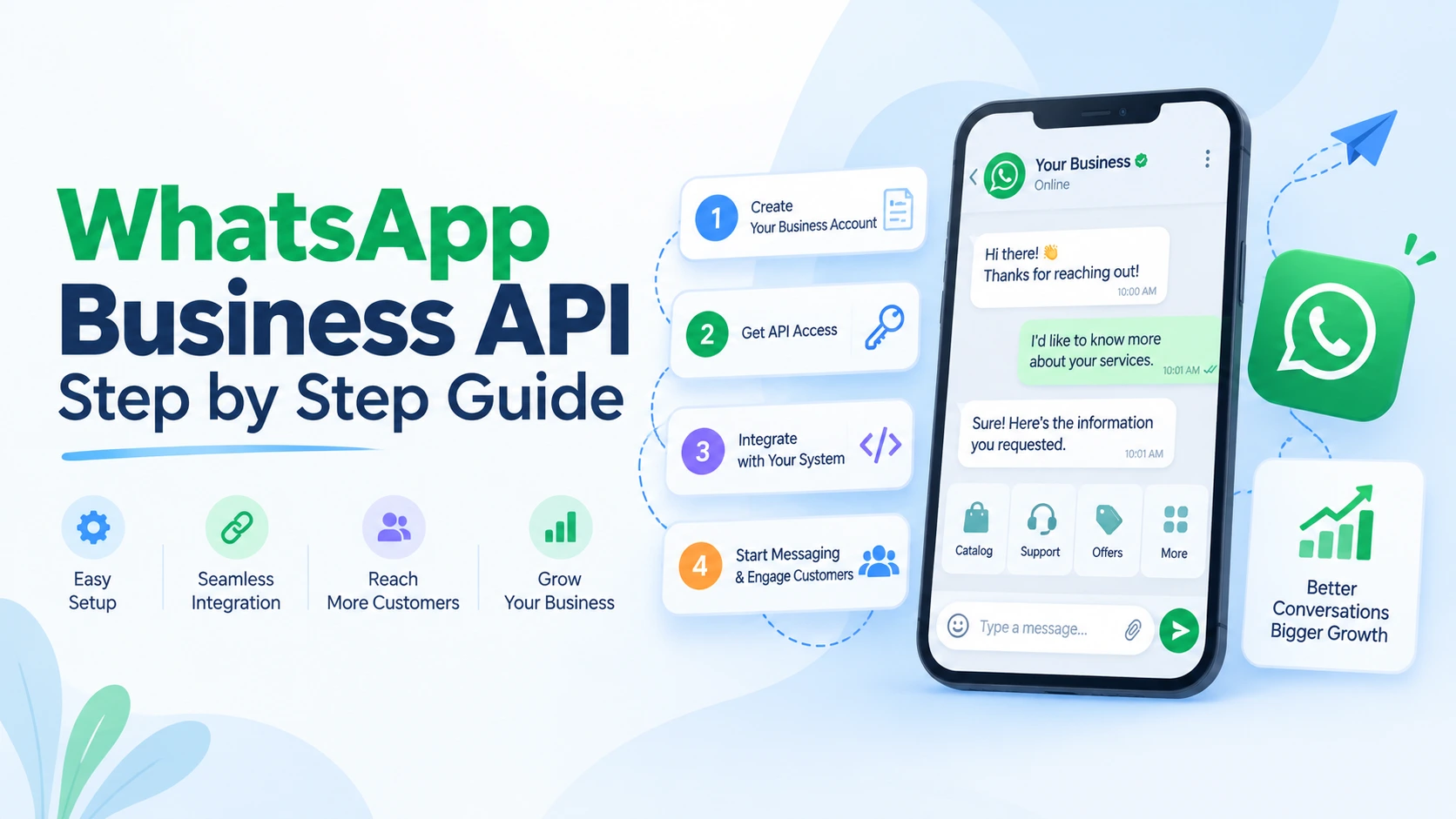
You'll need a Meta Business Manager account, a WhatsApp Business Account, a dedicated phone number and a Business Solution Provider such as A2ZSMS to give you the dashboard. Our full WhatsApp Business API step-by-step guide covers verification and documents in detail. Here's how a real estate rollout usually goes.
- Sign up with A2ZSMS and connect your Meta Business Manager.
- Add a dedicated number that isn't active on any personal or Business WhatsApp account, and complete business verification.
- Create your first templates: start with site visit confirmation and visit reminder, which are simple and useful from day one.
- Add the enquiry reply and qualification chat for your click-to-WhatsApp ads.
- Connect your CRM, set up lead assignment and test with a small group of buyers.
- Add launch broadcasts last, sent only to opted-in buyers, once the basics are working.
Measuring What Matters Beyond Message Counts
Real estate guides love to quote big lifts in site visits and response times. Those figures come from other projects, price bands and sales teams, and none of them transfers cleanly to yours. Your own numbers are the only ones worth chasing.
What It Costs to Run WhatsApp for a Sales Team
Cost has two layers. The first is Meta's charge per delivered template message, which depends on the category and the recipient's country. Marketing messages such as project launches cost the most, while utility messages such as visit confirmations and payment reminders cost less. The second is your provider's platform fee, which varies with features, agent seats and support.
Meta has revised its pricing more than once recently, including how replies and utility messages inside the customer service window are charged, so budget against Meta's current rate card rather than a figure in a blog post. A useful exercise is to count how many launch broadcasts, confirmations and reminders your team would send in a month.
Instead of quoting one number here, the more useful step is a rate card matched to your expected volume, shared in INR by the A2ZSMS team.
What You Get With A2ZSMS
A2ZSMS was built around the idea that WhatsApp, SMS, RCS and Voice shouldn't need separate logins, separate compliance checks and separate invoices.
You can also see how we support the sector on our real estate solutions page or explore the WhatsApp API service.
Ready to Turn Enquiries Into Site Visits?
Whether you're setting up WhatsApp for a new launch or replacing a setup that isn't delivering, A2ZSMS gives you WhatsApp — plus SMS, RCS and Voice — on one DLT-compliant platform with transparent INR pricing.
Conclusion
The WhatsApp Business API helps real estate teams capture leads and book site visits when it's used to shorten the gap between enquiry and a useful reply, with consent handled properly and every message tied to a clear next step. It won't replace a good sales team, but it gives that team a faster, better-organised start with every buyer.
A2ZSMS brings WhatsApp together with SMS, RCS and Voice on one dashboard, so your project can reach every buyer on the channel that suits them.