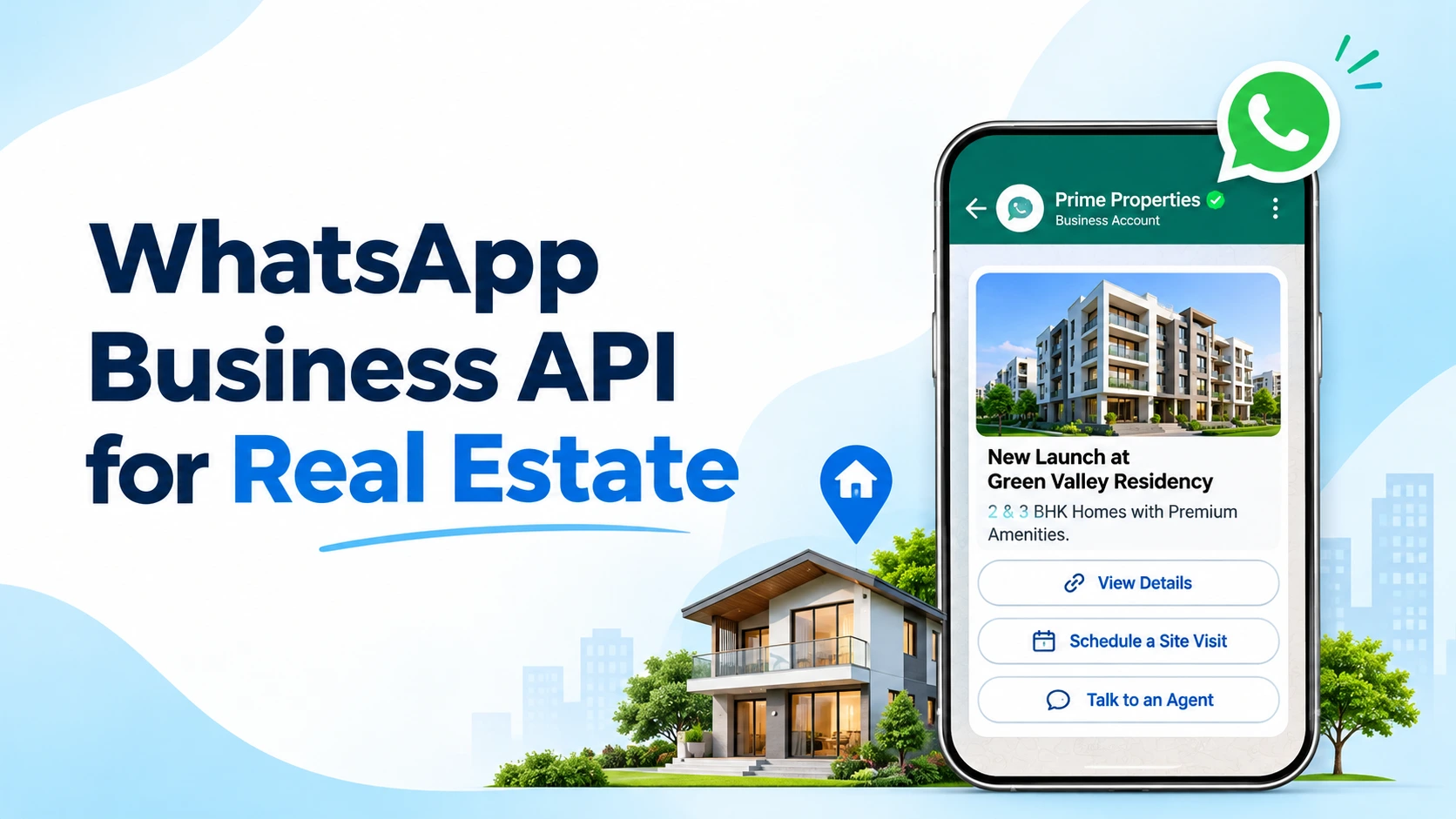
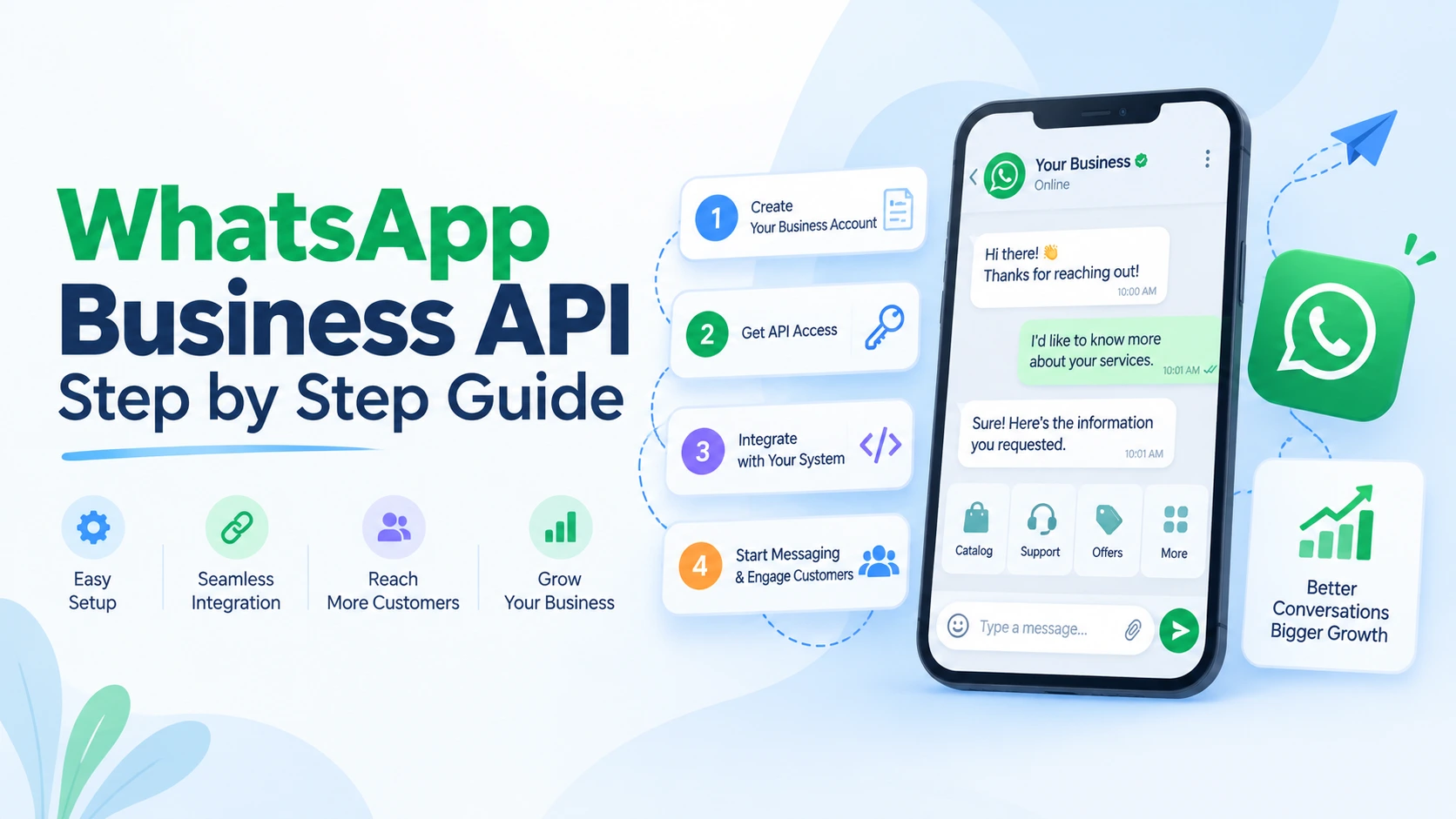
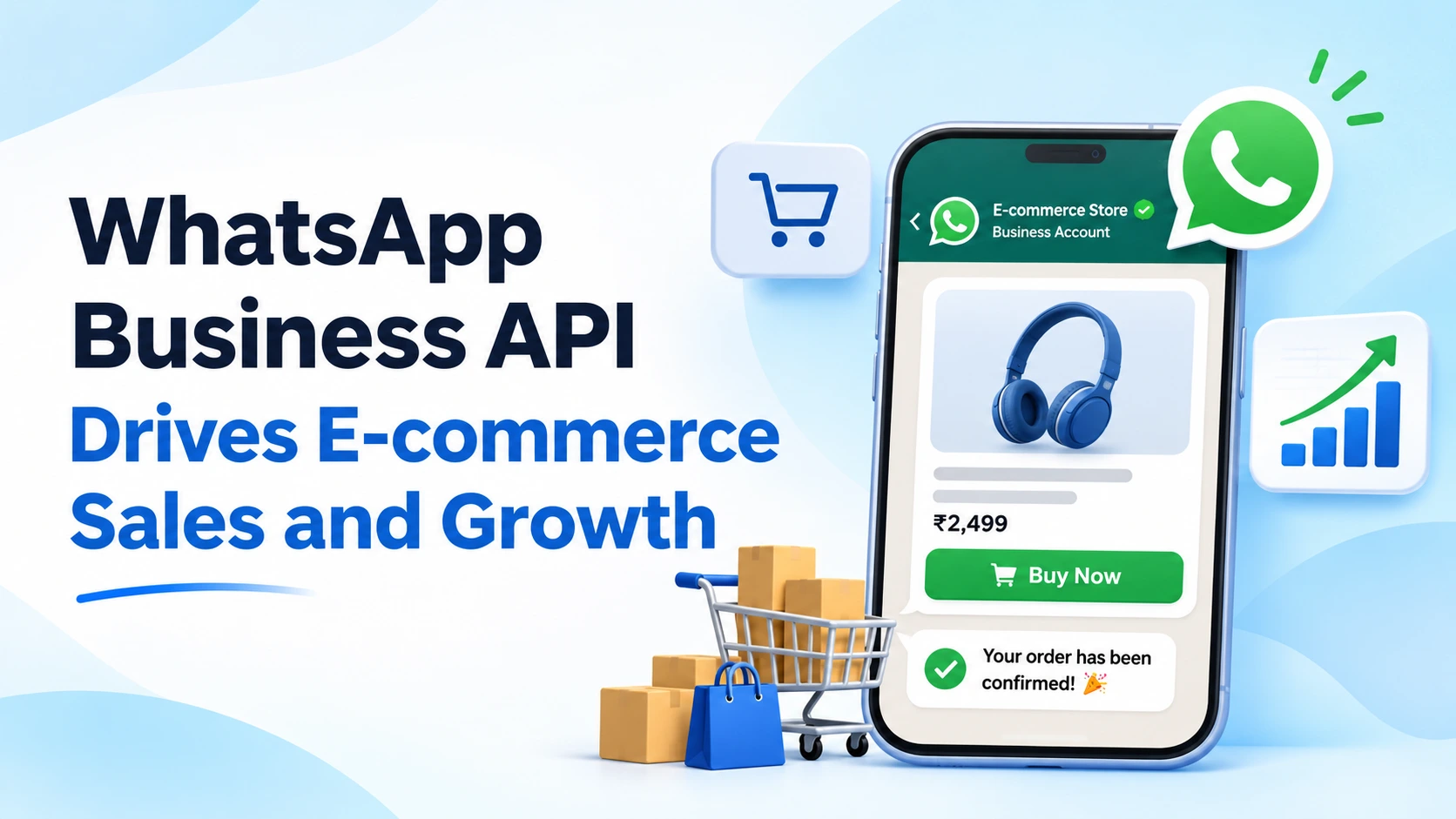
How WhatsApp Business API Drives E-commerce Sales and Growth
An online store loses customers in a lot of quiet ways. A shopper adds a product to the cart and wanders off. A COD order gets placed and nobody picks up at the door. A delivery update sits in an email inbox that never gets opened. Each of these is a conversation that stopped halfway, and most of them can be restarted in the one app your customers already open every day.
That's the case for the WhatsApp Business API in e-commerce. It lets a store send order updates, cart reminders, product catalogs and support replies as proper two-way conversations, handled by software and a team rather than by one person on one phone. Done well, it shortens the path from interest to order and from order to repeat order. Done badly, it becomes one more channel customers mute.
A2ZSMS runs WhatsApp alongside SMS, RCS and Voice from a single DLT-compliant dashboard. This guide covers where WhatsApp earns its place in the shopper's journey, which messages to build first, how to stay on the right side of Meta's rules, and how to measure growth honestly, without borrowed benchmarks.
Why Online Shoppers Respond to WhatsApp
Email asks a customer to open an inbox. A call asks them to pick up from a number they may not recognise. WhatsApp meets them in a thread they already check between family chats and work messages, which is why the same reminder tends to feel less intrusive there. The API adds the machinery a store needs to use that thread at volume.
Where WhatsApp Fits in the Shopper's Path to Purchase
The strongest results come from covering the whole journey rather than treating WhatsApp as a place to dump offers. Here's how it can work at each stage.
Discovery and Enquiry
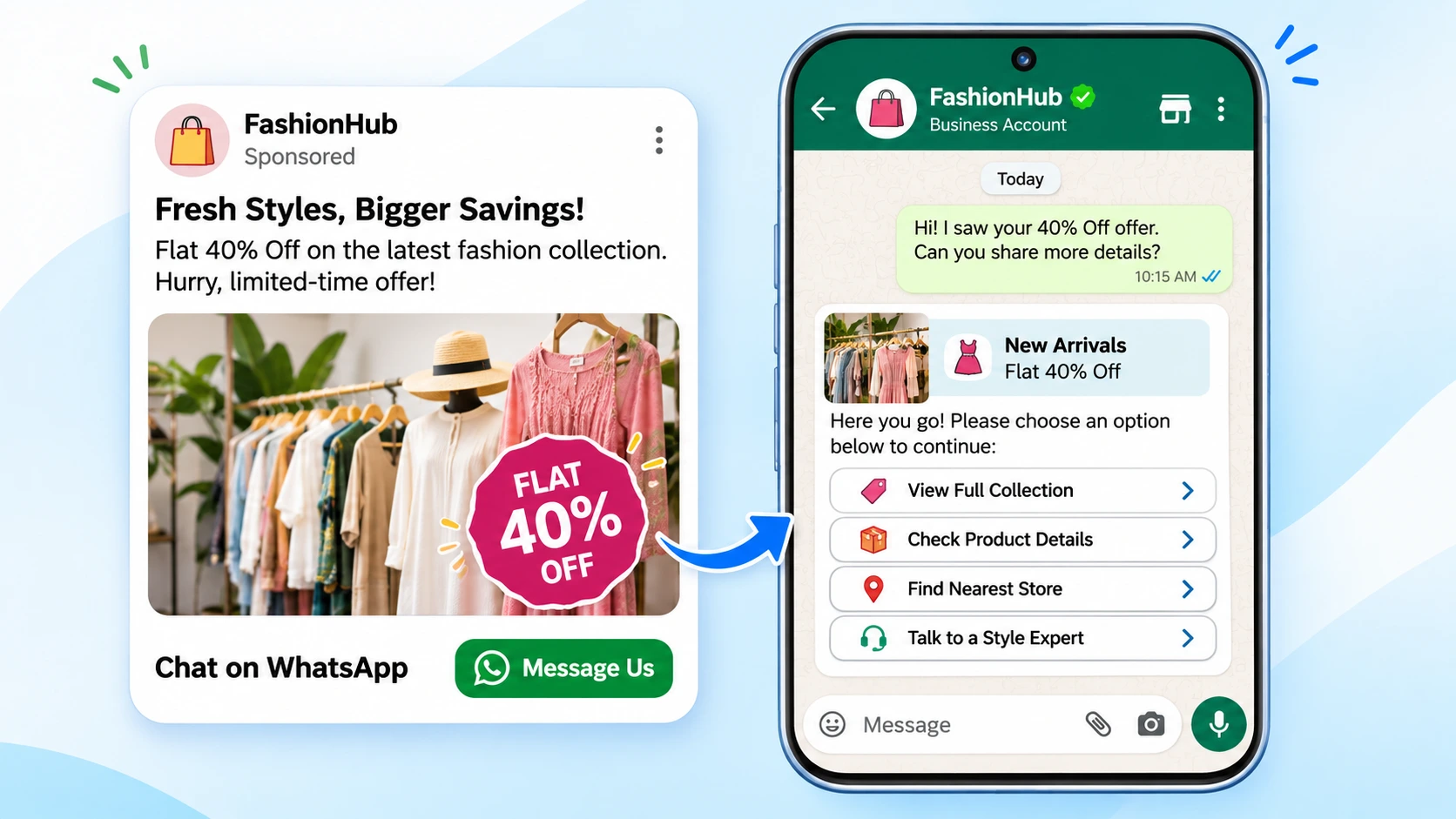
- Click-to-WhatsApp ads that open a chat instead of a form
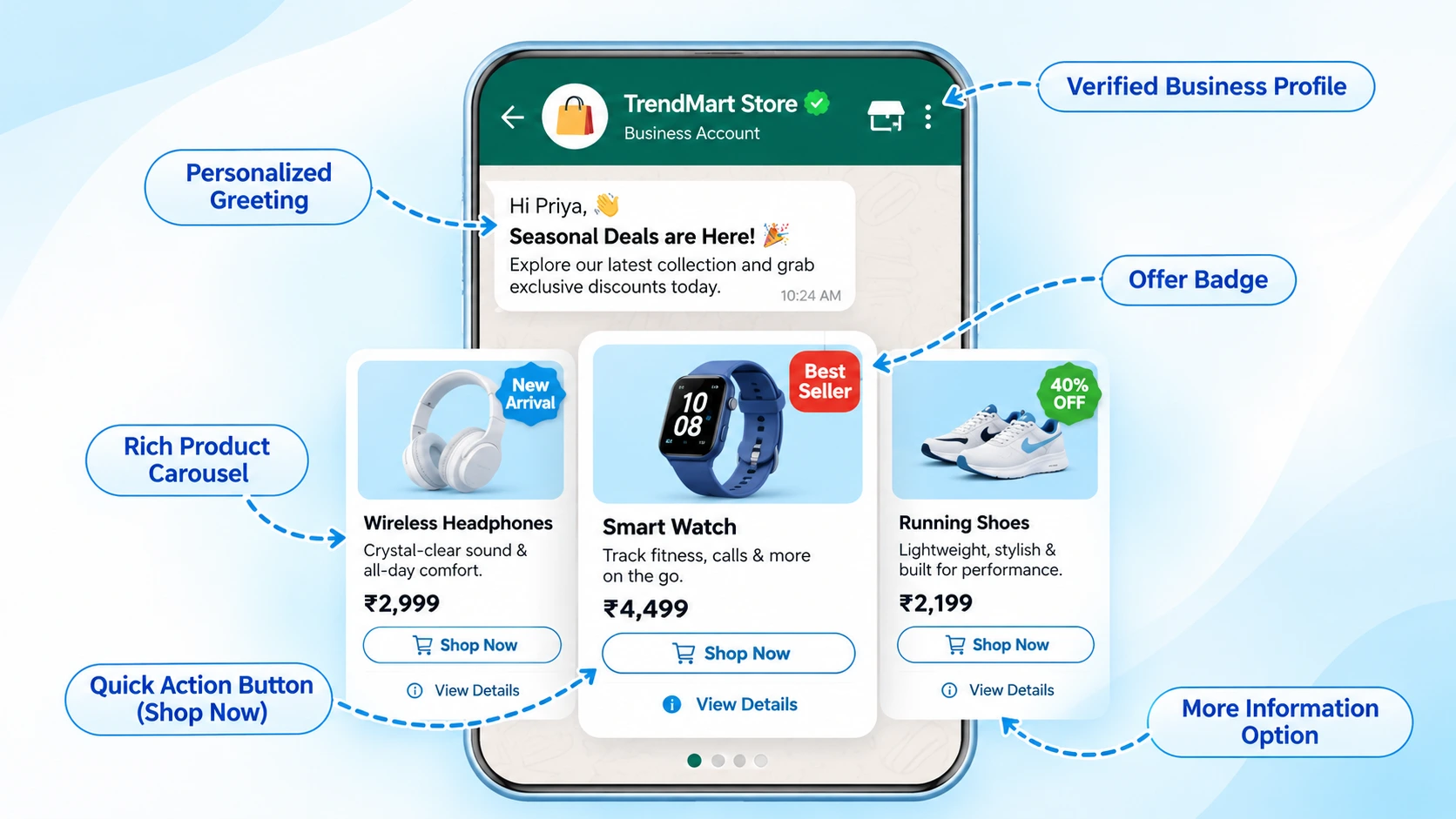
- Product catalogs shared in the chat on request
- Instant answers to size, stock and delivery questions
Cart and Checkout
- Reminders for carts left behind, sent to opted-in customers
- Payment links shared in the same conversation
- COD order confirmation before the parcel is dispatched
Shipping and Delivery
- Order confirmations and shipping updates with tracking links
- Out-for-delivery and delivery-attempt alerts
- A quick reply option when the address needs correcting
After the Purchase
- Feedback and review requests a day or two after delivery
- Return and exchange help inside the chat
- Reorder prompts for products that run out
Retention
- Back-in-stock alerts for items a customer asked about
- Offers matched to what a customer bought before
- Early access to sales for repeat customers
The Message Types That Do the Selling
Outside an active conversation, every message a store sends has to use a pre-approved template, and Meta sorts templates into categories that affect both approval and cost.
| Message | Usual Template Category | Job It Does |
|---|---|---|
| Order confirmation | Utility | Reassures the customer the order went through |
| Shipping and delivery update | Utility | Cuts "where is my order?" queries |
| COD confirmation | Utility | Checks the customer will accept the parcel |
| One-time passcode | Authentication | Verifies login or checkout |
| Abandoned cart reminder | Marketing | Brings back a shopper who left mid-purchase |
| Back-in-stock alert, sale announcement | Marketing | Prompts a purchase from an interested customer |
Meta makes the final call on a template's category when it reviews it. A utility template that carries promotional content can be reclassified, so keep order messages focused on the order.
A Simple Playbook for Cart Recovery and COD Confirmation
If you only build two flows first, these tend to repay the effort fastest, because each tackles revenue that's already half won.
Catalogs, Product Messages and Click-to-WhatsApp Ads
WhatsApp can also work as a shop window, not just a notification channel, though it helps to be clear about what each piece does.
Connecting WhatsApp to Your Store and CRM
Automation is only as good as the events feeding it. For WhatsApp to send the right message at the right moment, your store, CRM or order system has to tell it what just happened.
| What to Check | Why It Matters |
|---|---|
| Does it connect to your store platform or CRM? | Orders and carts should trigger messages without manual work |
| Can events like "order shipped" fire a template? | Customers get updates at the moment they matter |
| Are contacts tagged and segmented? | Cart reminders and offers shouldn't go to everyone |
| Is opt-in status stored against each contact? | Marketing messages must go only to consenting customers |
| Can a human take over from automation? | Complex queries need a person, not another bot reply |
The connection route depends on your store platform and provider, so ask the A2ZSMS team which setup suits your stack before you commit to a flow design.
Chatbots and Live Agents: Answering Before the Shopper Leaves
A lot of store support is the same handful of questions asked repeatedly. A chatbot can take those, and a live agent can pick up the rest.
Getting Started: From Application to First Campaign
Setup follows a fairly consistent path whichever provider you use. You'll need a Meta Business Manager account, a WhatsApp Business Account, a dedicated phone number and a Business Solution Provider such as A2ZSMS to give you the dashboard.
- Sign up with A2ZSMS and add your company and billing details.
- Connect your Meta Business Manager and grant the permissions needed to start the application.
- Add a dedicated number that isn't active on any personal or Business WhatsApp account, and verify it.
- Submit your business details and display name for review, with documents such as GST or MSME registration and a website that shows your business name.
- Create your first templates: start with order confirmation, then shipping updates, then a cart reminder.
- Connect your store or CRM, test with a small group, then scale up and review the reports.
Staying Compliant: Opt-In, Policy and Data Rules
It's worth being precise here, because many guides blur two different systems together. India's DLT framework, regulated by TRAI, governs SMS and RCS sent through telecom operators. WhatsApp isn't part of it. WhatsApp runs under Meta's business verification, its Business Messaging Policy and Commerce Policy, and sits alongside India's data protection law.
Where SMS and RCS Still Fit Next to WhatsApp
WhatsApp reaches customers who are on the app and have opted in. That leaves gaps, and a store that relies on one channel will find them.
Measuring Growth Without Borrowed Benchmarks
Search for WhatsApp cart-recovery results and you'll find figures ranging from single digits to well over half of abandoned carts. When numbers vary that widely, none of them should become your target. Your products, price points, list quality and timing decide your own result, so measure it.
What WhatsApp API Costs for an Online Store
Cost has two layers. The first is Meta's charge per delivered template message, which depends on the category and the recipient's country, with marketing messages priced highest and utility and authentication messages lower. The second is your provider's platform fee, which varies with features, agent seats and support.
Meta has revised its pricing more than once recently, including how replies inside the customer service window are treated, so budget against Meta's current rate card rather than a figure in a blog post. Count how many messages of each category your store would send in a month, and the cost becomes easier to forecast.
Instead of quoting one number here, the more useful step is a rate card matched to your expected volume, shared in INR by the A2ZSMS team.
What You Get With A2ZSMS
A2ZSMS was built around the idea that WhatsApp, SMS, RCS and Voice shouldn't need separate logins, separate compliance checks and separate invoices.
Ready to Turn WhatsApp Into a Sales Channel?
Whether you're setting up WhatsApp for your store for the first time or replacing a setup that isn't delivering, A2ZSMS gives you WhatsApp — plus SMS, RCS and Voice — on one DLT-compliant platform with transparent INR pricing.
Conclusion
The WhatsApp Business API drives e-commerce sales and growth when it is used across the whole journey: answering questions before a purchase, recovering carts, confirming COD orders, keeping customers informed after dispatch and bringing them back later. It works because it respects consent and timing, and it needs honest measurement to prove it.
A2ZSMS brings WhatsApp together with SMS, RCS and Voice on one dashboard, so your store can reach every customer on the channel that suits them.